
Screenshots
App details
- Updated
- 2024-11-14T03:09:33.0686879Z
- Requires
- Windows 10 version 16299.0 or higher
- Language
- English
- Developer
- Coloring Book Entertainment
- Category
- Mobile
SoftPas in:
This product is also available in the following languages:
About Pokeball Coloring Book
Download Pokeball Coloring Book – Coloring, Fun, Relaxation, Art, Pokémon
Overview
The Pokeball Coloring Book is a mobile application designed for fans of Pokémon who enjoy creative expression through digital coloring. Targeted at users of all ages, especially children, teens, and casual artists, the app provides a structured yet flexible platform to explore and color a variety of iconic Pokéball designs. From the classic red-and-white Pokéball to advanced variants like the Great Ball, Ultra Ball, and Master Ball, the app offers a diverse selection that appeals to both nostalgic and newer generations of Pokémon enthusiasts. The primary purpose of the app is to deliver a calming, engaging, and visually stimulating coloring experience that combines entertainment with artistic development. It serves as a digital tool for relaxation, creativity, and personal expression, helping users unwind while enjoying familiar Pokémon-themed imagery. The app fits well within the broader mobile productivity and utility ecosystem by offering a simple, accessible form of digital art. Although the developer did not provide additional technical details, the app’s focus on intuitive design and user engagement suggests a commitment to accessibility and enjoyment. Real-world use cases include quiet time activities for children, stress relief for adults, and a creative outlet for fans who want to personalize their favorite Pokémon elements. The app’s thematic focus on Pokémon makes it a relevant and appealing addition to the growing market of niche, hobby-driven mobile tools.
Key Features & Functionality
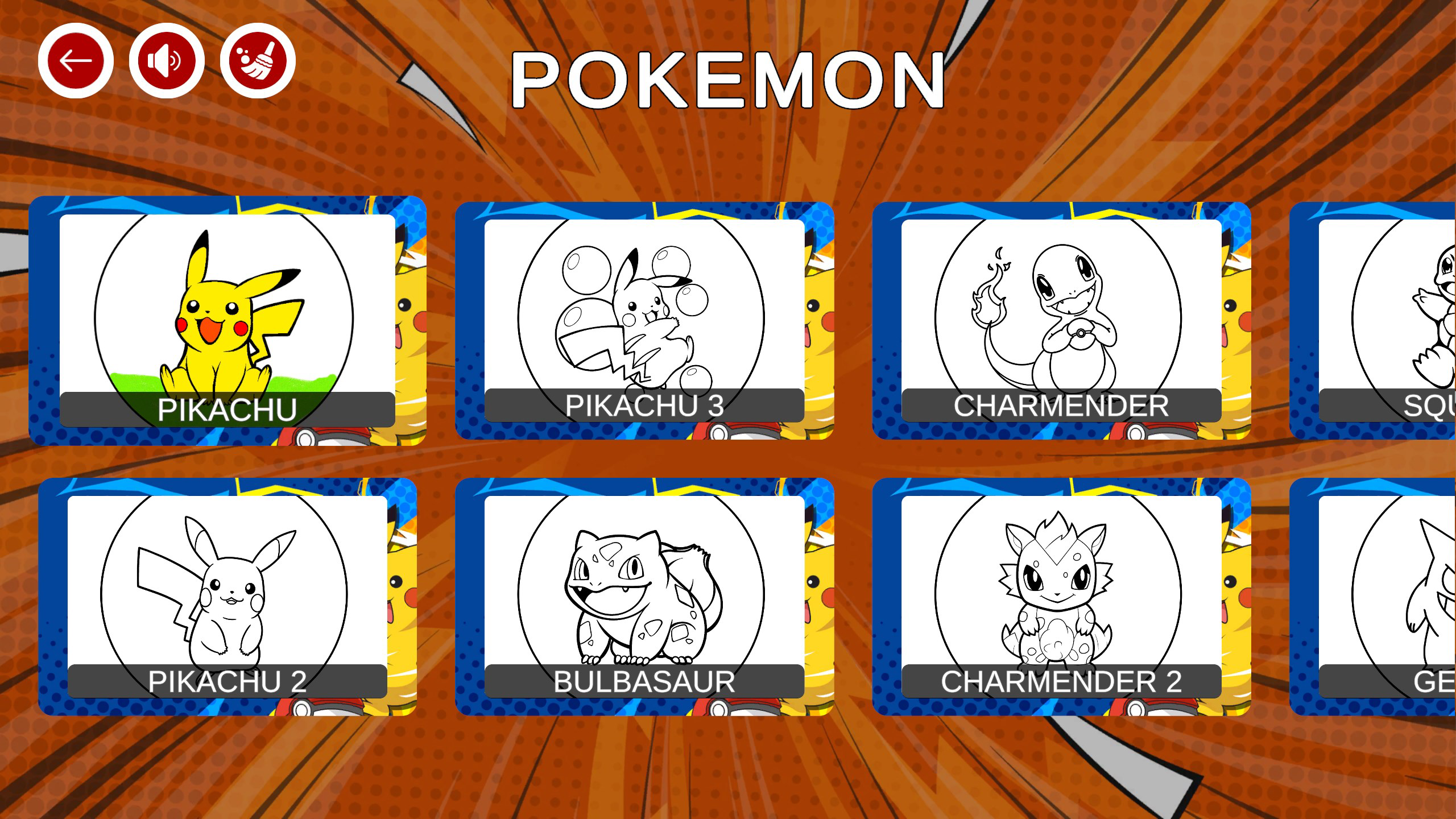
- Diverse Pokéball Collection: The app features a wide array of Pokéball designs, including the standard Pokéball, Great Ball, Ultra Ball, and Master Ball, each with unique patterns and intricate details. This variety ensures sustained engagement by offering new challenges and visual interest with each coloring session.
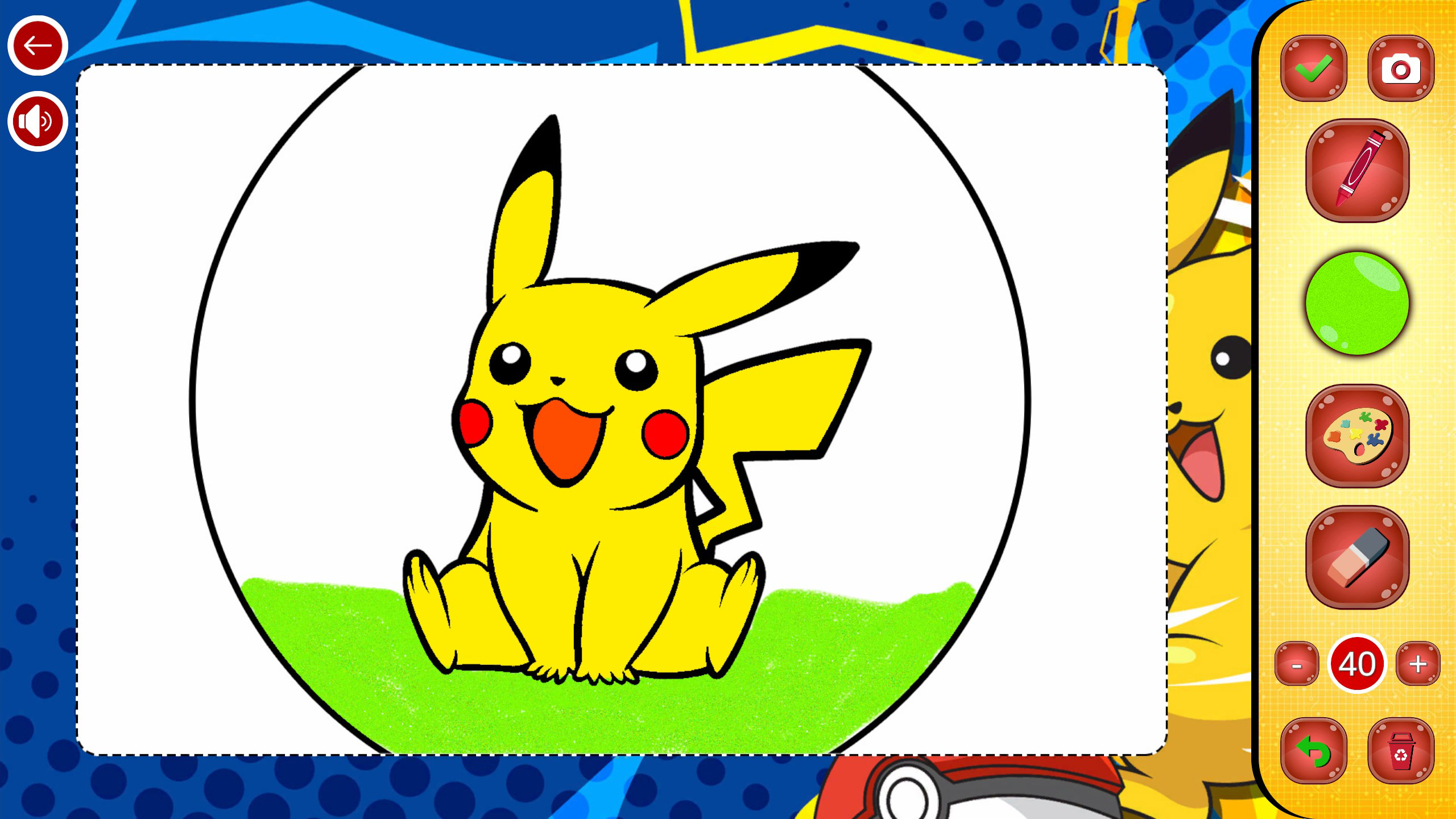
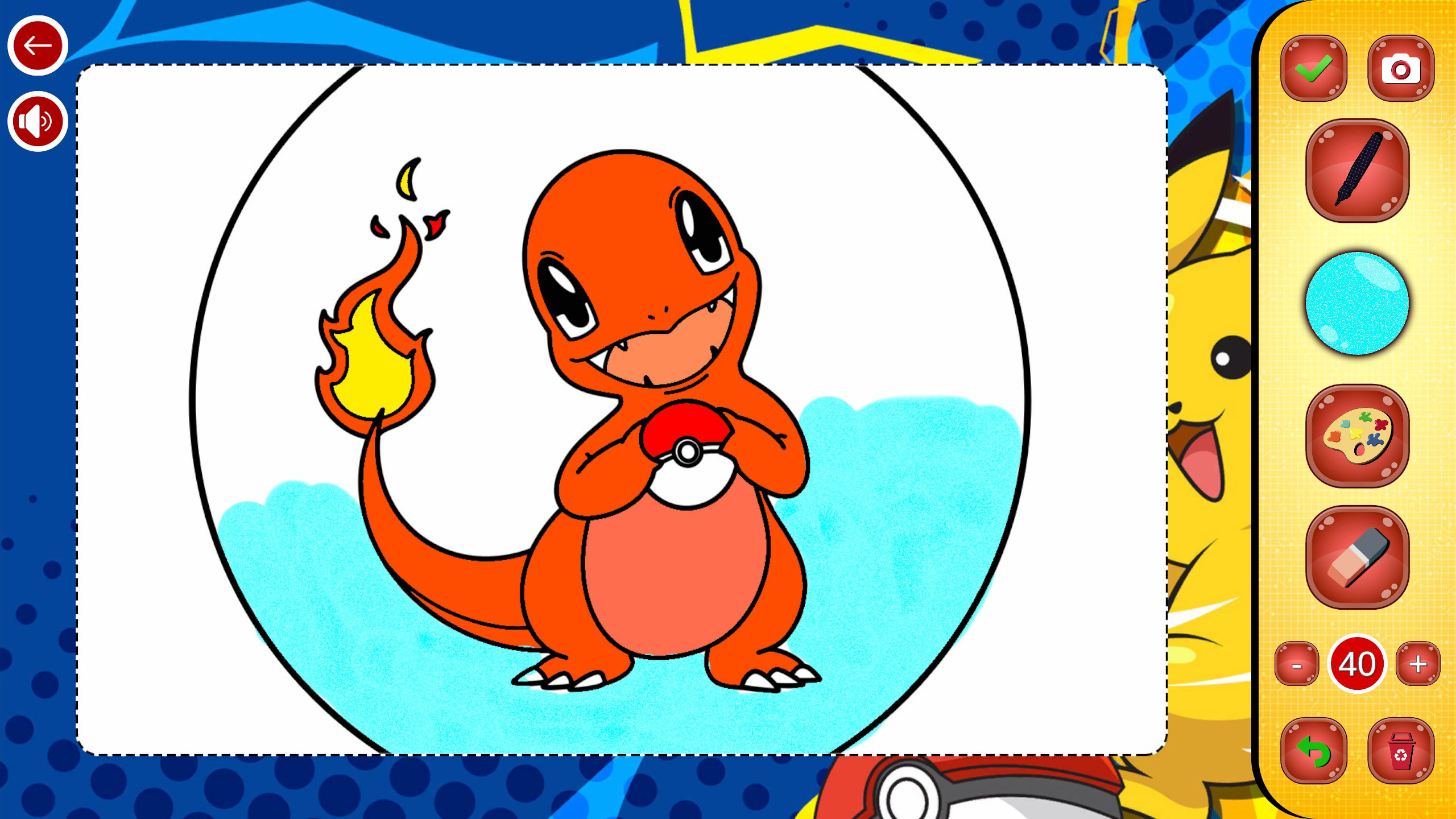
- Realistic Brush Effects: Users can choose from multiple brush styles such as pastel, watercolor, marker, and pencil, each simulating real-world art tools. These effects enhance the tactile feel of the coloring process and allow users to experiment with different artistic textures and finishes.
- Simple and User-Friendly Interface: The app prioritizes ease of use with a tap-to-color mechanic and pinch-to-zoom functionality for detailed work. An undo feature enables effortless correction of mistakes, reducing frustration and supporting a smooth creative flow.
- Customizable Tools: A suite of brushes, fill tools, and an eraser allows users to personalize their coloring experience. These tools empower users to refine their artwork with precision and flexibility, adapting the app to individual artistic preferences.
- Save & Share Your Art: Completed designs can be saved directly to the device’s gallery or shared with others via social media or messaging platforms. This feature supports community engagement and encourages users to showcase their creations to friends and family.
Each feature is designed to support a seamless and enjoyable experience. For example, the brush variety allows a user to switch from a bold marker look for a vibrant Pokéball to a soft watercolor effect for a dreamy, artistic finish. The zoom and undo tools make detailed work accessible even for younger users or those with limited dexterity. The ability to save and share artwork transforms the app from a private activity into a social one, fostering connection and creative pride.
Interface, UX & Performance
The user interface of Pokeball Coloring Book is clean and intuitive, emphasizing visual clarity and ease of navigation. The layout centers around a large canvas where users can view and color their chosen Pokéball design, with toolbars positioned at the bottom for quick access to brushes, colors, and undo functions. The visual style is bright and playful, with a color palette that complements the Pokémon theme without overwhelming the user. Navigation is straightforward: selecting a design opens it directly into the coloring mode, and switching between tools requires minimal taps. The app responds promptly to touch inputs, suggesting a stable and responsive performance. Although the developer did not list formal performance metrics, the app’s smooth interaction suggests optimized rendering, especially for standard and mid-range devices. Users can expect consistent frame rates during coloring and zooming, with no reported lag or crashes in the available information. Stability appears to be a priority, as the undo and save functions operate reliably. The app does not require complex gestures or setup, making it accessible to users of all skill levels. For older or lower-end devices, performance may vary, but the developer did not specify minimum requirements. Overall, the UX is well-balanced between simplicity and functionality, supporting both casual users and those seeking a more immersive coloring session.
Platform Compatibility & Technical Requirements
Pokeball Coloring Book is available on Android and iOS platforms, though specific OS versions and device compatibility were not listed by the developer. The app has a file size of 85 MB, which is relatively compact for a mobile art application with detailed graphics and multiple brush effects. This size suggests efficient asset management and optimized code, making it suitable for devices with moderate storage capacity. The latest version of the app is currently unspecified, but the release date was confirmed as November 14, 2024. The developer did not provide additional technical details such as required RAM, processor specifications, or minimum screen resolution. As such, compatibility with specific devices or older operating systems remains unclear. Users are advised to ensure their device meets general requirements for running similar digital art apps. The lack of detailed technical information does not diminish the app’s accessibility, as the interface and core functionality appear to be designed for broad usability across a range of smartphones and tablets.
Pros and Cons
- Wide selection of iconic Pokéball designs for varied coloring experiences
- Realistic brush effects enhance artistic expression and creativity
- Simple, intuitive interface suitable for users of all ages
- Undo and zoom features improve usability and precision
- Ability to save and share completed artwork with others
- Specific OS and device requirements were not disclosed
- Developer did not provide information on app updates or future feature plans
- Performance on low-end devices is unverified
- No in-app purchase or subscription details were shared
- No offline mode or cloud backup functionality was mentioned
FAQ
Is Pokeball Coloring Book free to download?
The app’s pricing model was not disclosed. It may be available as a free download with optional in-app purchases, or it could be a one-time purchase. Users should check the app store listing for current pricing details.
Can I use Pokeball Coloring Book offline?
While the developer did not specify whether offline functionality is supported, the app’s core features—coloring, saving, and undo—do not require an internet connection. This suggests that basic use is likely possible without an active connection.
Is the app safe to install on Android and iOS?
As with any third-party app, users should download Pokeball Coloring Book from official app stores (Google Play or Apple App Store) to ensure it is secure and free from malware. The developer did not list permissions or privacy policies, so users should review the app’s access requests during installation.
How often is Pokeball Coloring Book updated?
Update frequency was not provided by the developer. Users are encouraged to enable automatic updates or check the app store regularly for new versions, which may include bug fixes, performance improvements, or additional content.
Can I color multiple Pokéballs at once?
The app’s interface does not indicate support for multiple simultaneous coloring sessions. Users can switch between designs, but each coloring session is likely limited to one Pokéball at a time.
Final Thoughts
Pokeball Coloring Book stands out as a thoughtful, engaging tool for Pokémon fans and casual artists alike. Its blend of beloved themes, intuitive design, and realistic brush effects creates a satisfying and relaxing experience. Whether used for quiet time, creative exploration, or sharing with others, the app delivers value through simplicity and variety. The ability to save and share artwork adds a social dimension, making it more than just a coloring exercise. While some technical details remain unclear, the app’s core functionality is solid and accessible. For anyone seeking a fun, creative way to interact with Pokémon-themed art, this app offers a compelling solution. Download Pokeball Coloring Book now and bring your favorite Pokéballs to life with your own unique touch.
Guides & Tutorials
How to install Pokeball Coloring Book
- Click the Download button above.
- Once redirected, accept the terms and click Install.
- Wait for the Pokeball Coloring Book download to finish on your device.
How to use Pokeball Coloring Book
This software is primarily used for its core features described above. Open the app after installation to explore its capabilities.
User Reviews
No reviews yet. Be the first to share your experience.
You may also like
more
Que no te pillen¡
About !Que no te pillen¡Reviewed by Jason A. BilbreyShow MoreShow Less

3D Combat Zone
About 3D Combat ZoneOriginally released in 1983, 3D Combat Zone immerses players...

666: El día del portal
About 666: El día del portalOn June 6, 2006, Agent P. Stone uncovers a sinister...

80 in 1 Best Flash games
About 80 in 1 Best Flash games 80 in 1 Best Flash games is a collection of 80 fl...

ABYSS SEEKERーーWhat Do You See Deep in The Abyss
About ABYSS SEEKERーーWhat Do You See Deep in The AbyssIn ABYSS SEEKER, players...

ACA NEOGEO THE KING OF FIGHTERS 2002 for Windows
About ACA NEOGEO THE KING OF FIGHTERS 2002 for WindowsTHE KING OF FIGHTERS 2002,...